AI ad workflow
Generate ads, videos and landing pages in one workflow.
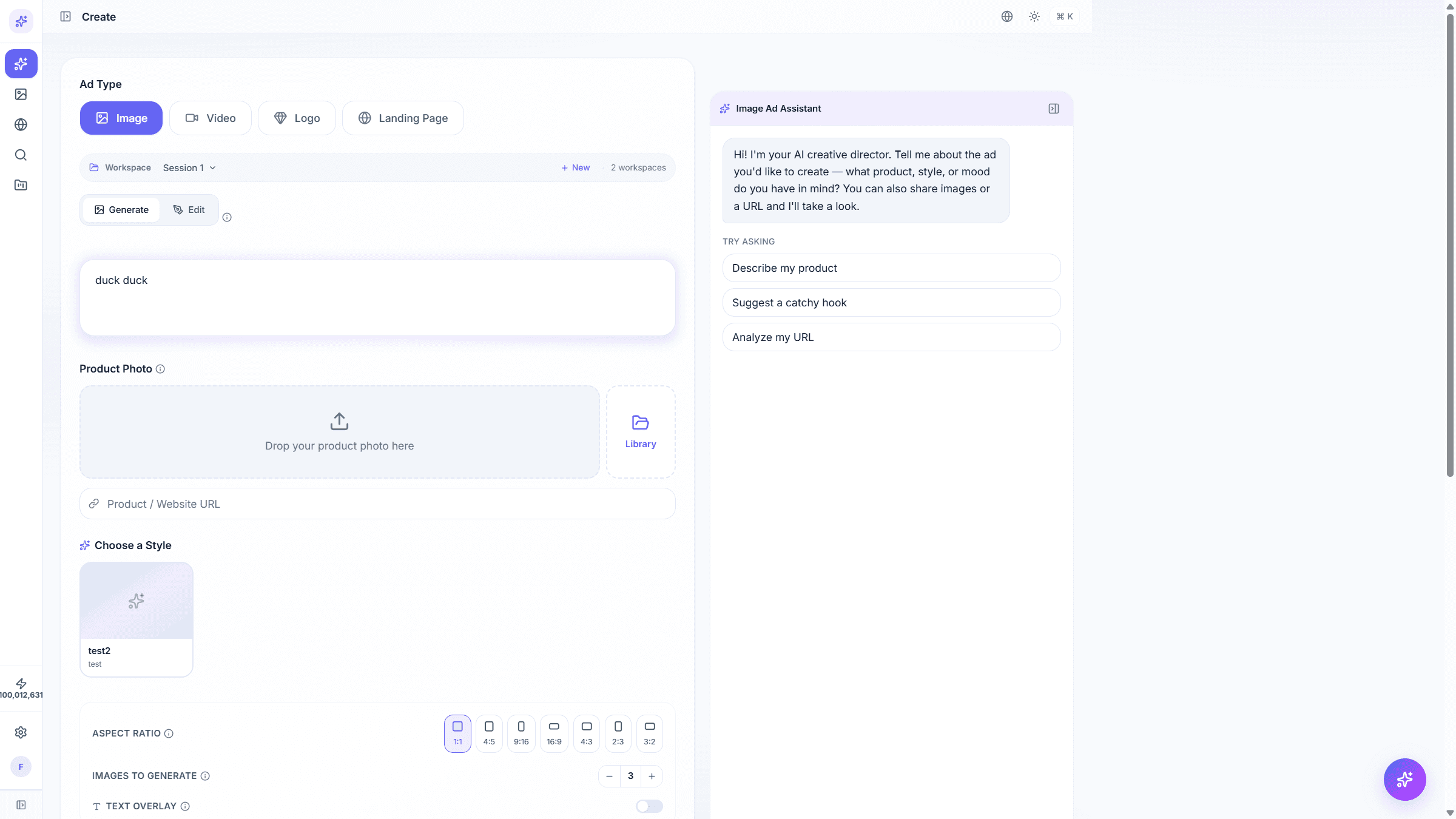
AiAdsCenter turns a short brief into image ads, video ads, brand logos and landing pages. Preview in English, Arabic or Hebrew, then publish.
app.aiadscenter.com/create
Image + Video + Logo + Landing page7 aspect ratiosEnglish, Arabic, Hebrew
Three surfaces, one account
Start in the app. Edit landing pages on pages subdomain. Polish video on the video subdomain. Same login everywhere.
Everything you need to launch an ad
Four creative surfaces, one workspace.
Image ads
From a prompt and a product photo. 7 aspect ratios.
Video ads
Reference a photo, pick an aspect ratio and duration.
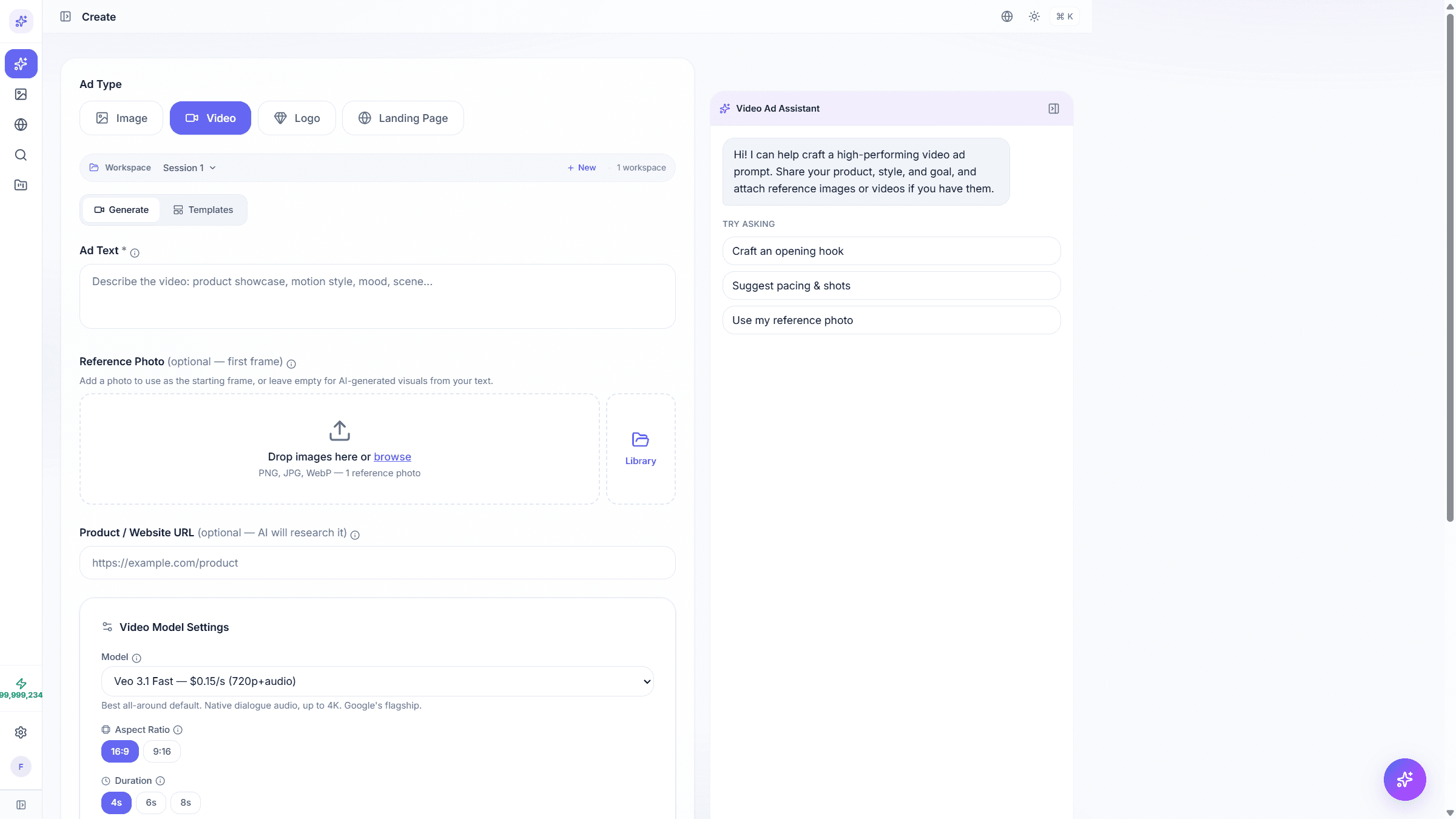
Brand logos
Icon, wordmark or combination. Pick a style.
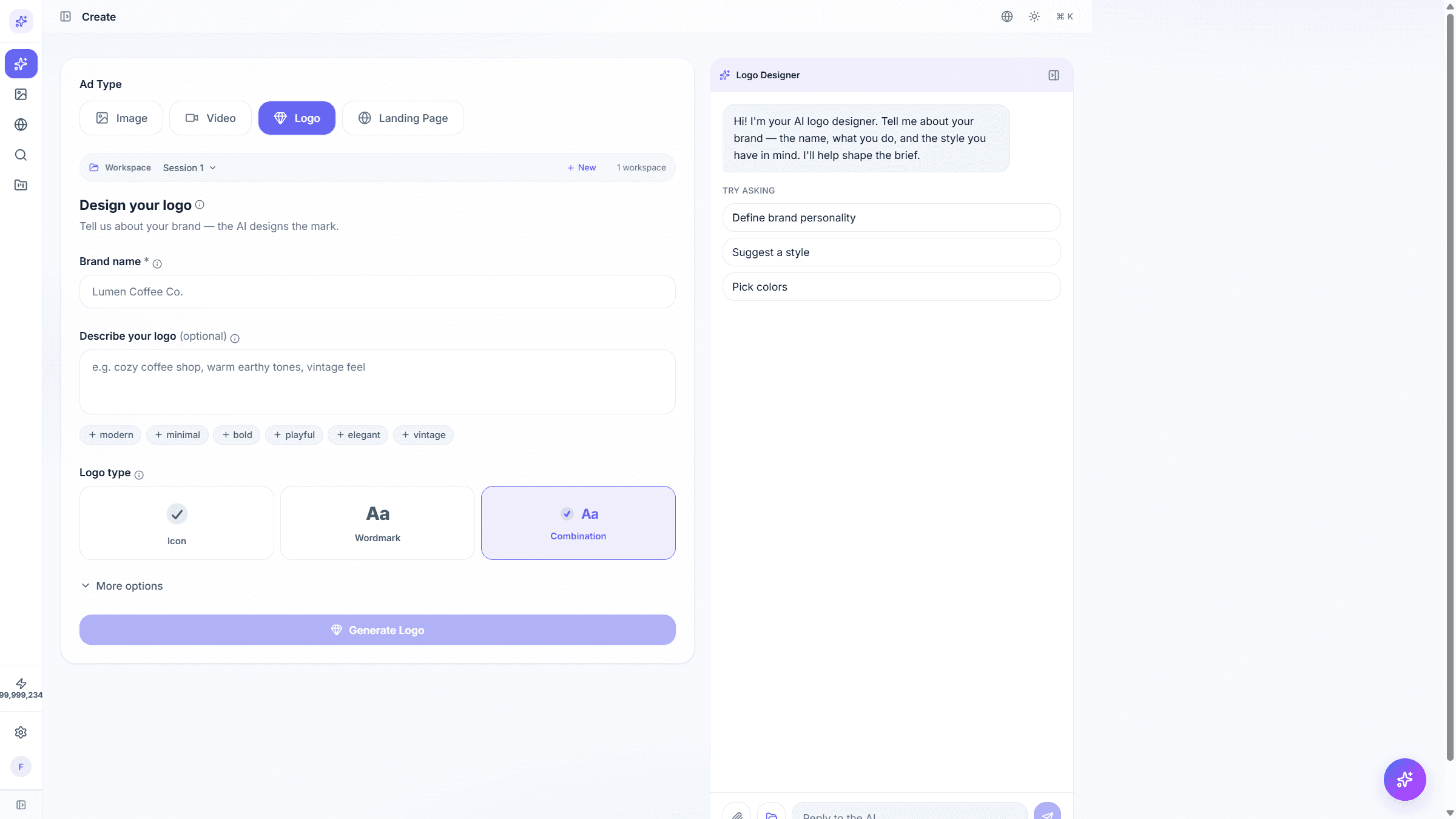
Edit with AI
Text, remove, replace, resize, expand.
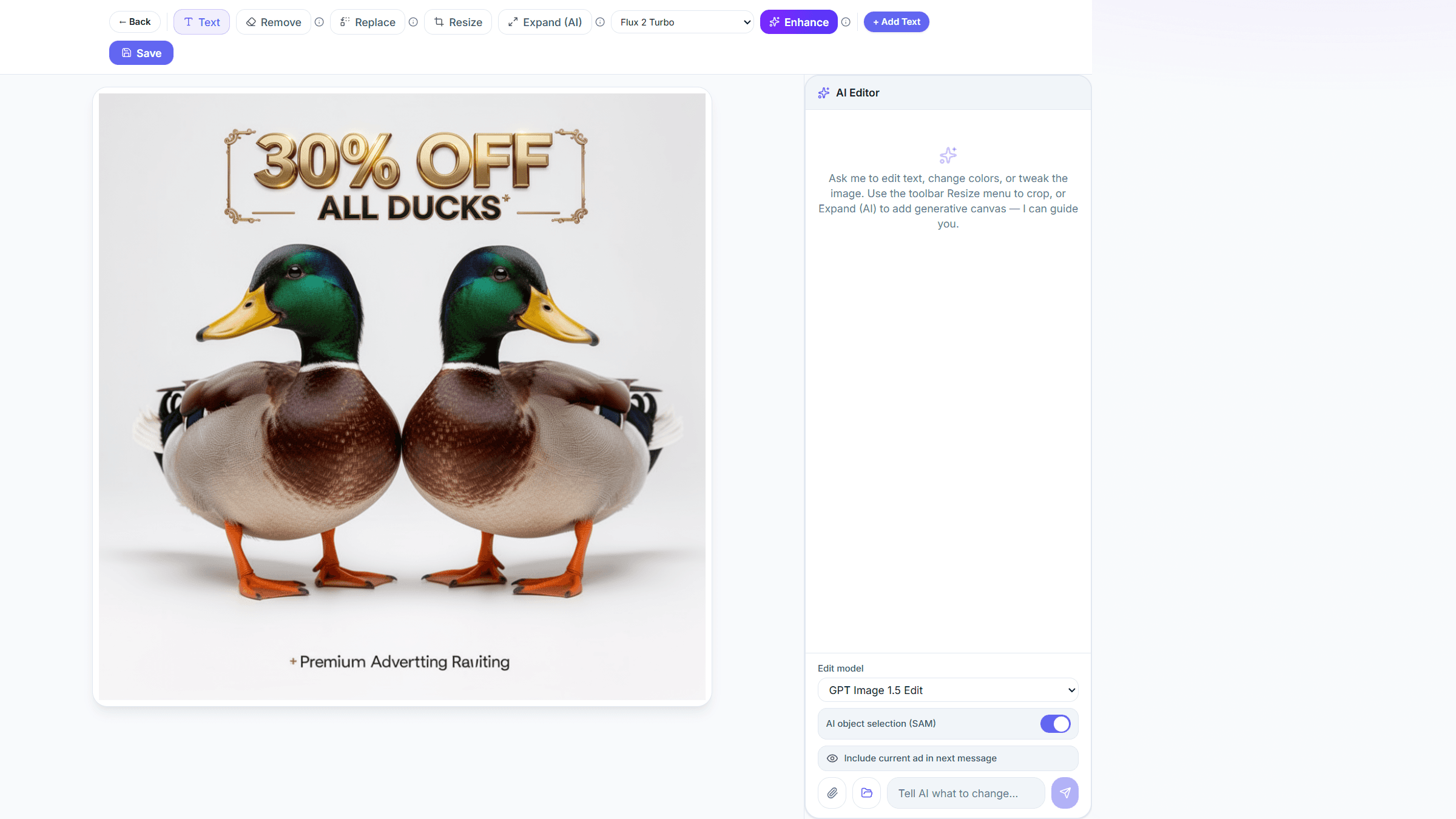
Publish to social
Connect Meta, TikTok and YouTube accounts.

7 aspect ratios
1:1, 4:5, 9:16, 16:9, 4:3, 2:3, 3:2.
1:14:59:1616:94:32:33:2
Three languages
English, Arabic and Hebrew, including RTL.
Your own domain
Publish landing pages on a custom domain.
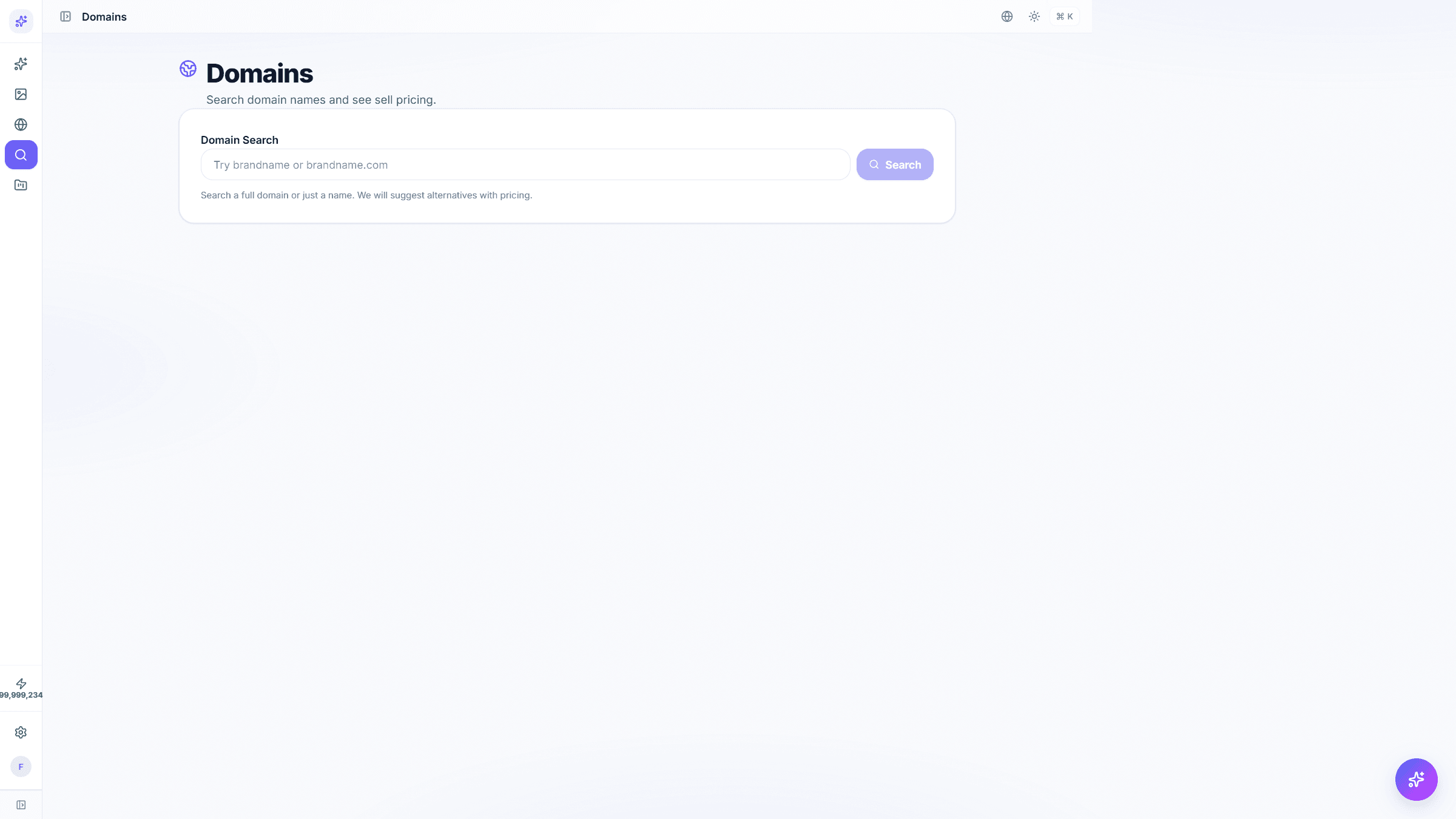
From brief to published ad
- 1
Describe your ad
Pick image, video, logo or landing page. Add a short brief, a reference photo or a product URL.
- 2
Generate
Pick aspect ratios, styles and quantity. AiAdsCenter produces variants you can compare side by side.
- 3
Publish or edit
Edit with AI, save to your gallery, or publish to social and landing pages on your domain.
Simple, credit-based pricing
Start free. Upgrade when you need more credits, brands or team seats.
Common questions
What is AiAdsCenter?
AiAdsCenter is a web platform for generating ad creatives, editing landing pages and refining video ads. You sign in once and use three connected surfaces: the ad creator, the landing page editor and the video editor.
What can I generate?
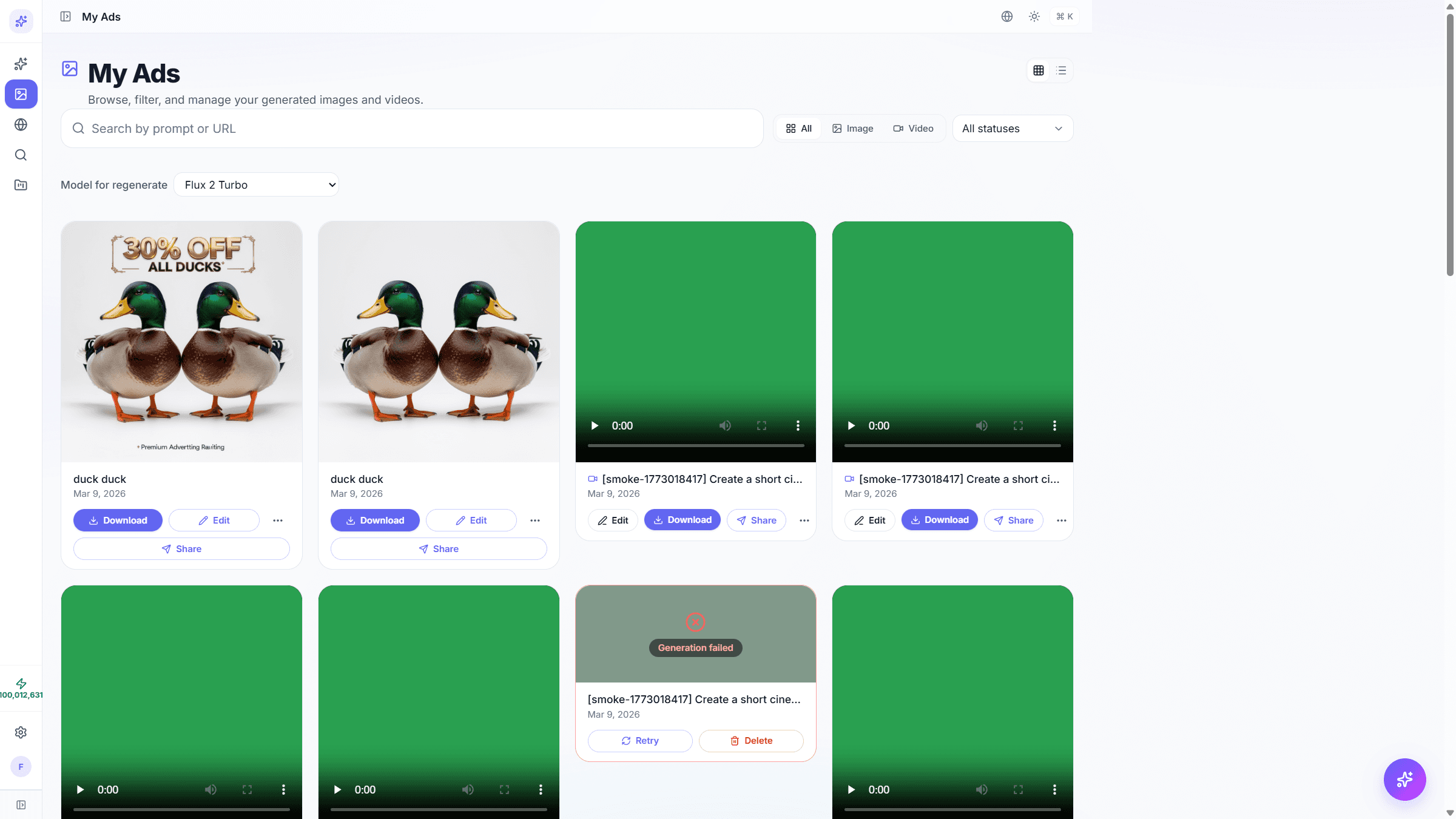
Image ads, video ads, brand logos and landing pages. Image ads support seven aspect ratios (1:1, 4:5, 9:16, 16:9, 4:3, 2:3, 3:2). Video ads are generated from a reference photo and a short brief.
Can I edit what AiAdsCenter generates?
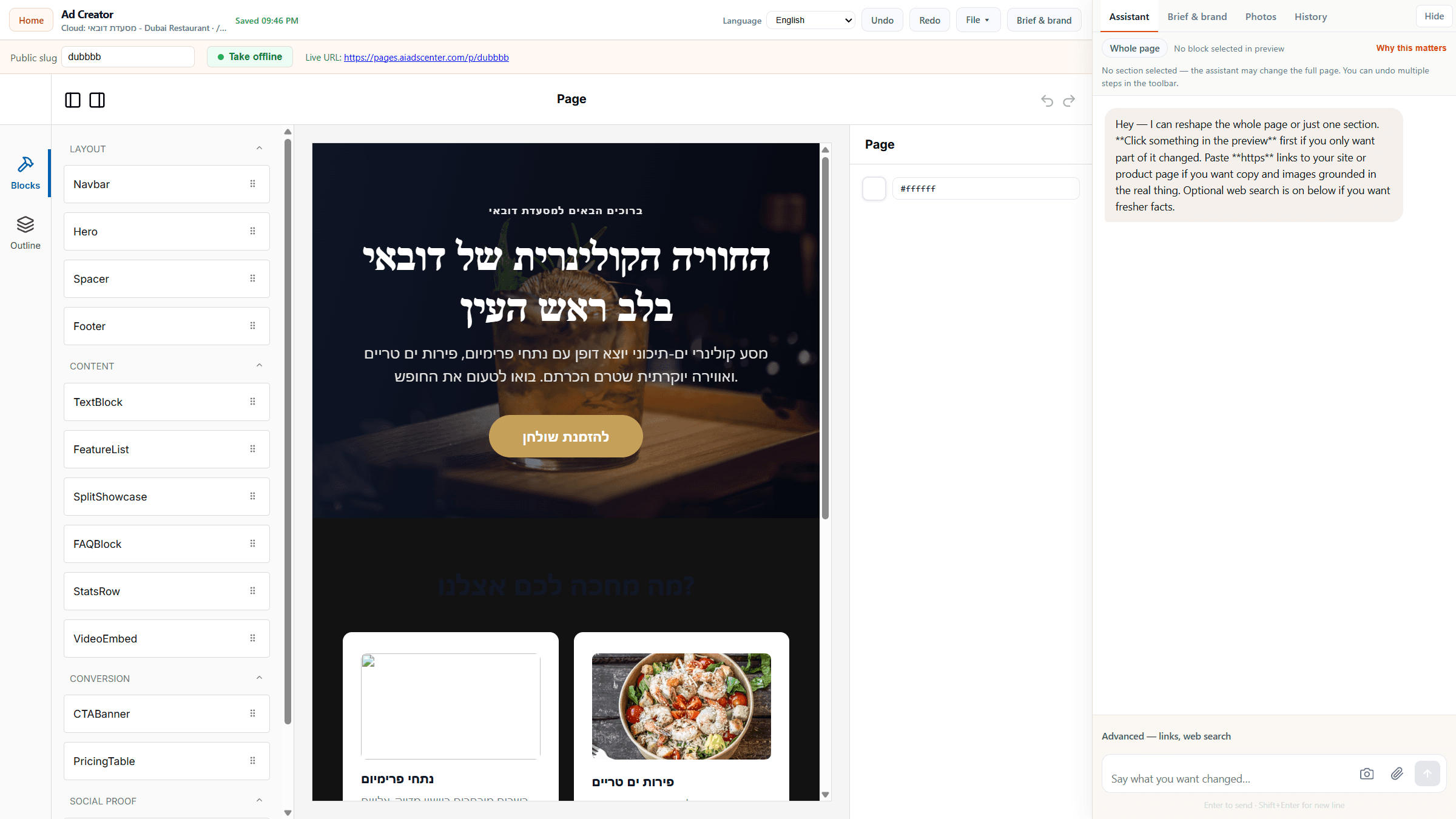
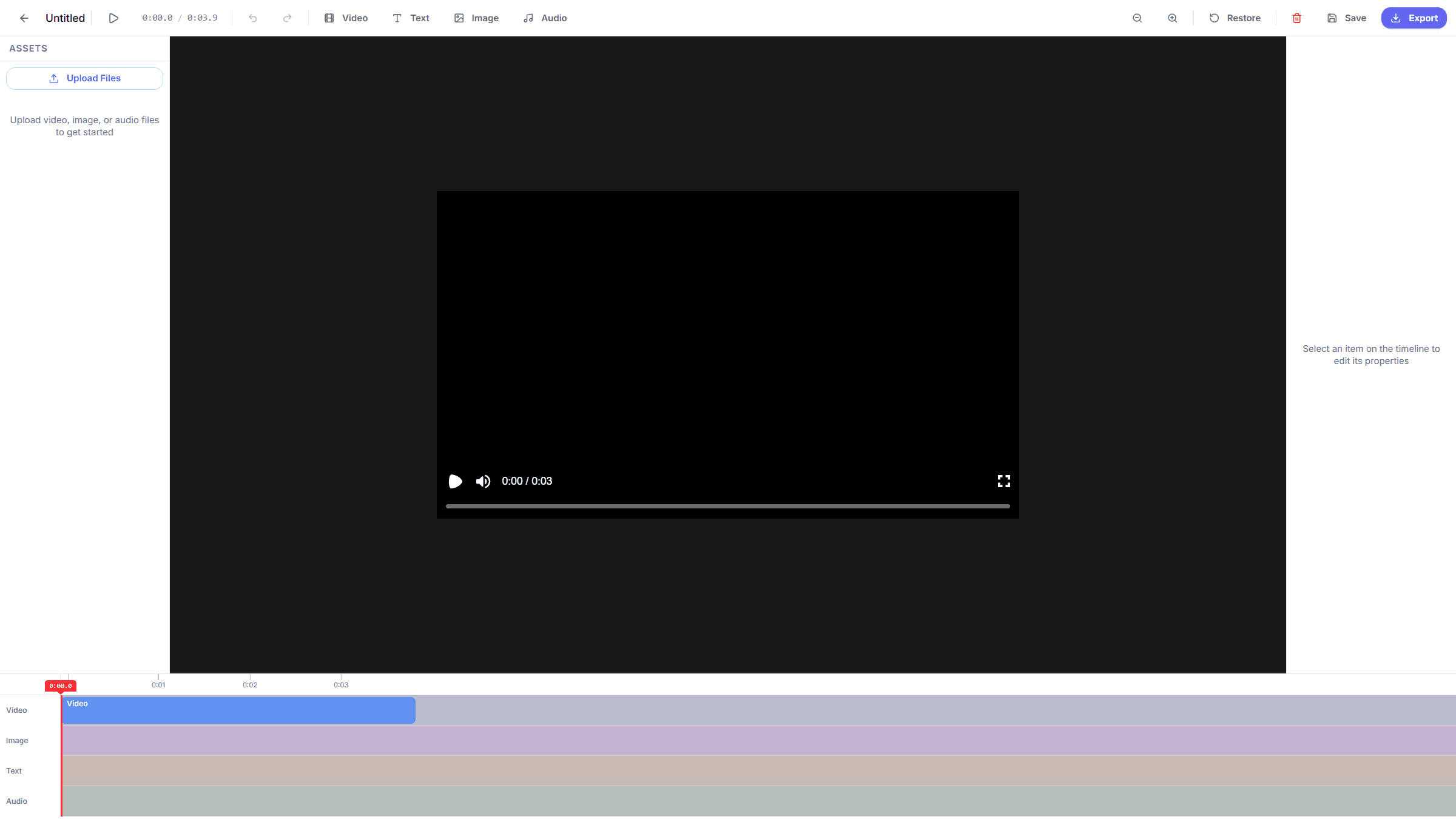
Yes. The photo editor lets you add text, remove objects, replace parts, resize or expand the canvas with AI. Landing pages edit in a drag-and-drop block editor. Video ads edit on a timeline with separate tracks.
Which languages are supported?
English, Arabic and Hebrew for both the product and this marketing site, with right-to-left layouts for Arabic and Hebrew.
Which ad platforms can I publish to?
You can connect Meta (Facebook and Instagram), TikTok and YouTube in Settings. Google and LinkedIn are available as export formats for manual upload.
Ship your next ad this afternoon.
Open the app and try the creator. Free credits to start.